Infographic text included for screen readers
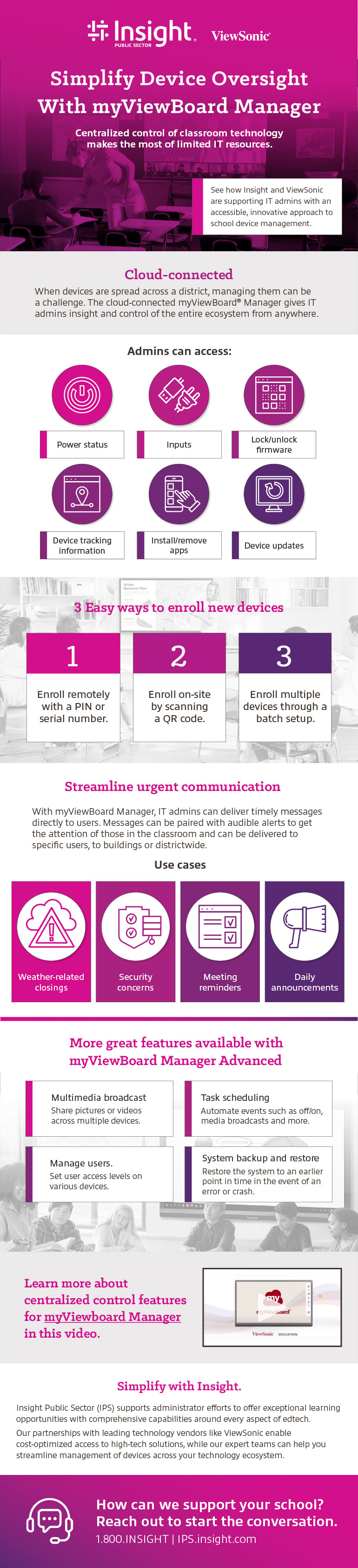
Simplify Device Oversight With myViewBoard Manager
Cloud-connected
When devices are spread across a district, managing them can be a challenge. The cloud-connected myViewBoard® Manager gives IT admins insight and control of the entire ecosystem from anywhere.
Admins can access:
- Power status
- Inputs
- Lock/unlock firmware
- Device tracking information
- Install/remove apps
- Device updates
3 easy ways to enroll new devices
- Enroll remotely with a PIN or serial number.
- Enroll on-site by scanning a QR code.
- Enroll multiple devices through a batch setup.
Streamline urgent communication.
With myViewBoard Manager, IT admins can deliver timely messages directly to users. Messages can be paired with audible alerts to get the attention of those in the classroom and can be delivered to specific users, buildings or districtwide.
Use cases
- Weather-related closings
- Security concerns
- Meeting reminders
- Daily announcements
More great features available with myViewBoard Manager Advanced
Multimedia broadcast
Share pictures or videos across multiple devices.
Task scheduling
Automate events such as on/off, media broadcasts and more.
Manage users
Set user access levels on various devices.
System backup and restore
Restore the system to an earlier point in time in the event of an error or crash.
Learn more about centralized control features for myViewboard Manager in this video.
Simplify with Insight.
Insight Public Sector (IPS) supports administrator efforts to offer exceptional learning opportunities with comprehensive capabilities around every aspect of edtech. Our partnerships with leading technology vendors like ViewSonic enable cost-optimized access to high-tech solutions, while our expert teams can help you the streamline management of devices across your technology ecosystem.