 Mac does that.
Speed. Security.
Simplicity at work.
Powerful. Protected. And built for Apple Intelligence.◊ Mac helps you get your best work done more seamlessly than ever.
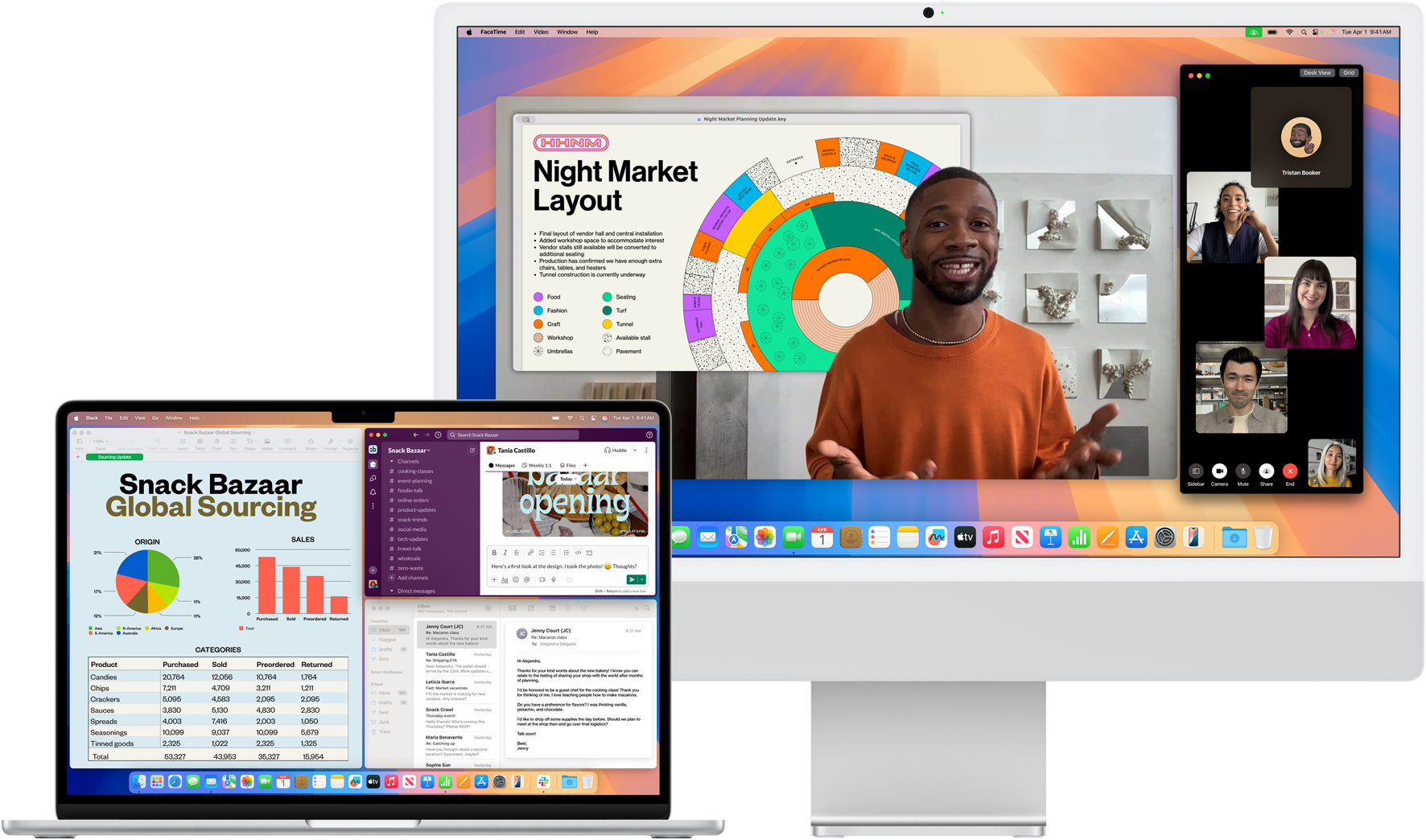
Intuitive,

from the start.
Like iPhone, Mac is designed to be simple to learn and use so you can get your projects started in no time.
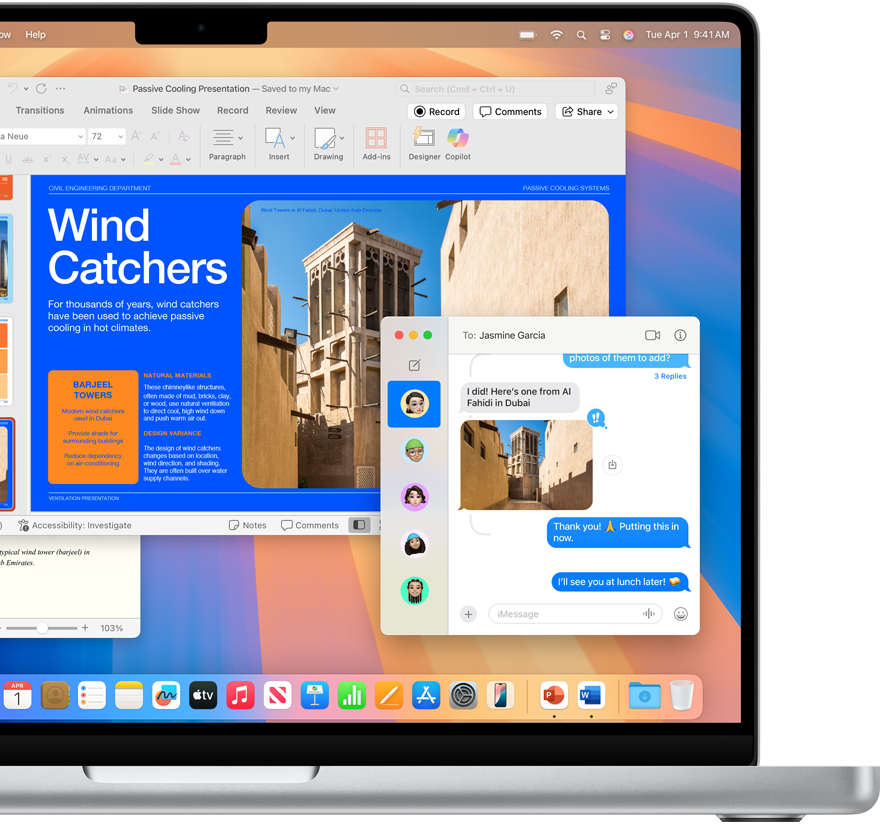
Go-to apps run full blast.
Your apps for work, like Microsoft 365 Copilot, Google Workspace, and thousands more, all fly with Mac.◊
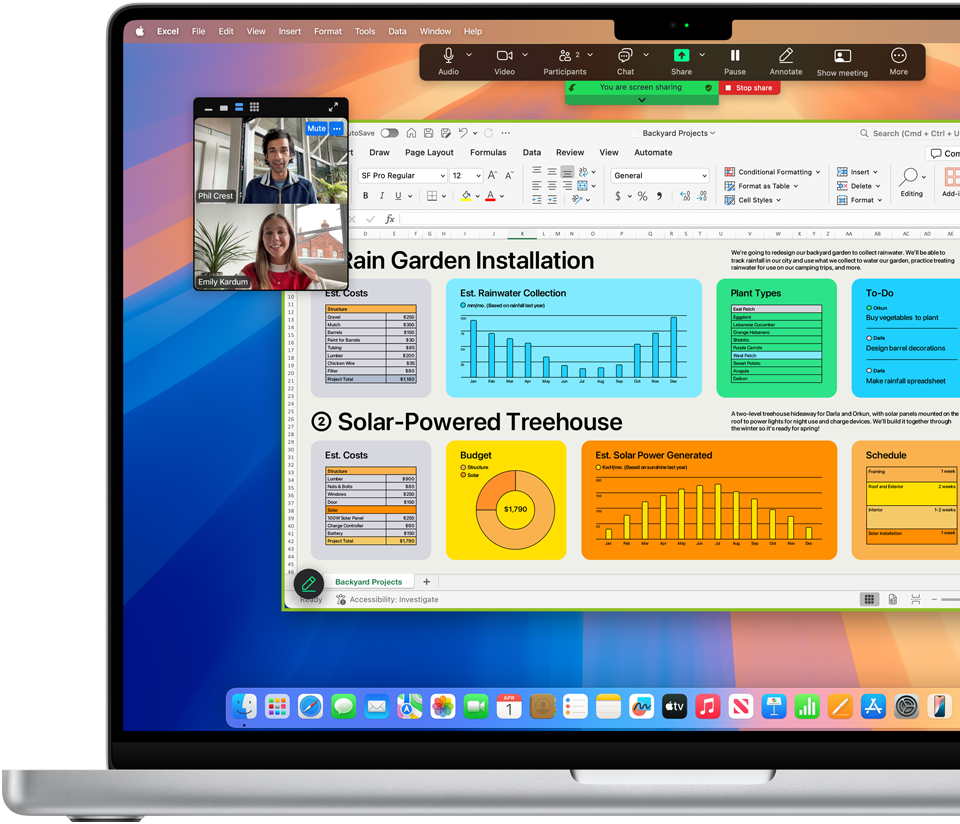
Multi-multi-multitask.
 Fast.
Fast.
Apple silicon lets you work in more apps and tabs at once and speed through demanding tasks
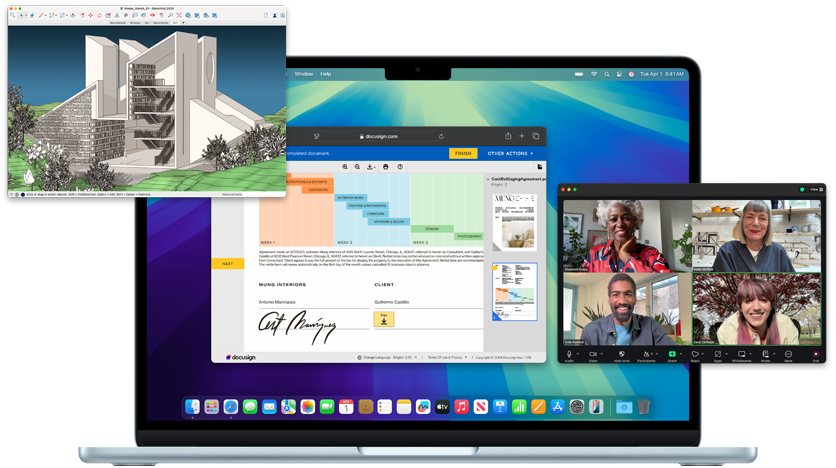
With great power comes great  security.
Every Mac comes with built-in virus protection and automatic security updates that help save your business money.
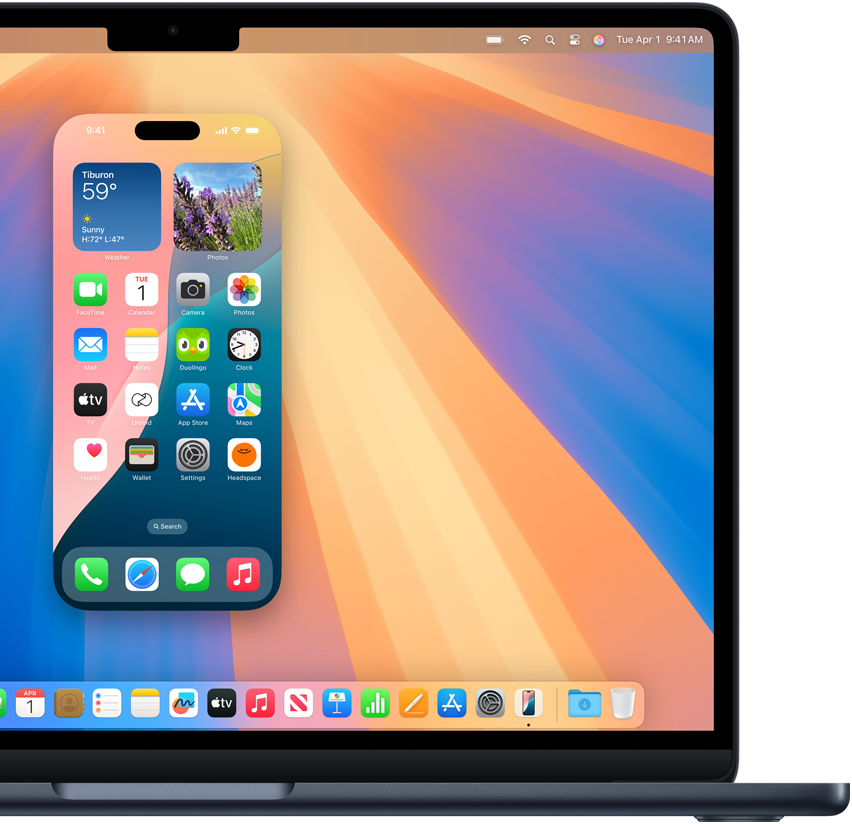
Mirror, mirror

on the screen.
With iPhone Mirroring, you can see and use what’s on your iPhone from your Mac without having to reach for it. You can also drag and drop files between devices.◊
Apple Intelligence
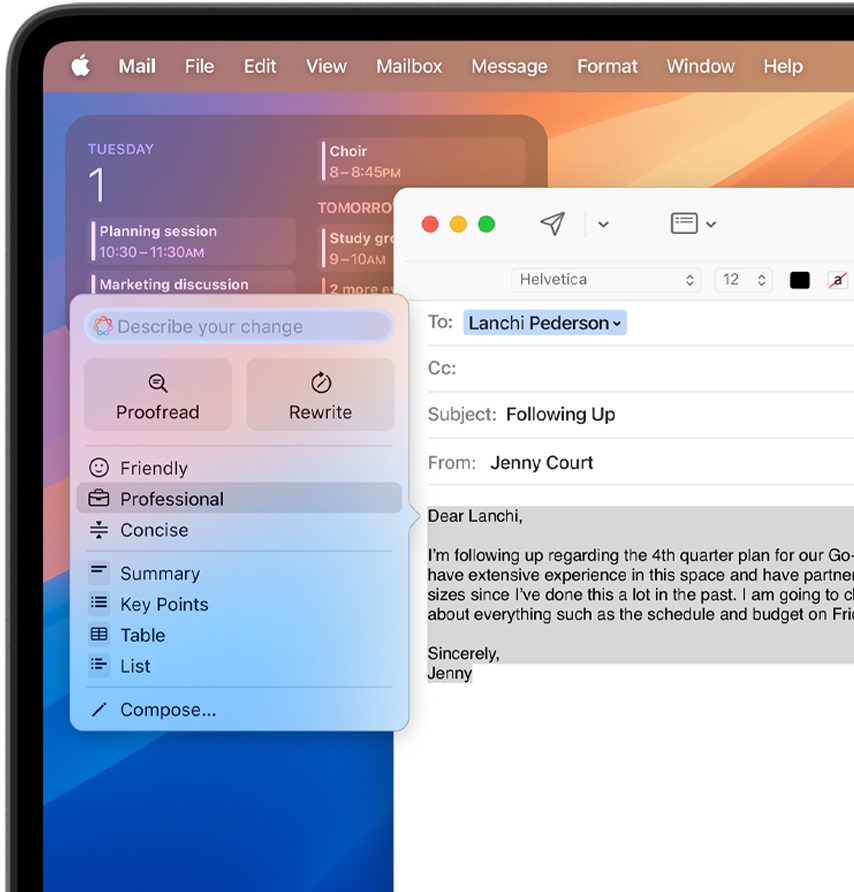
Find just the right tone with
 Writing Tools.
Apple Intelligence helps you edit and polish your text virtually everywhere you write, including third‑party apps.◊
Apple Intelligence
Looooooooooong emails? Short
 Summaries.
Catch up on long notes, emails, threads, and even transcripts in seconds.◊
Apple Intelligence
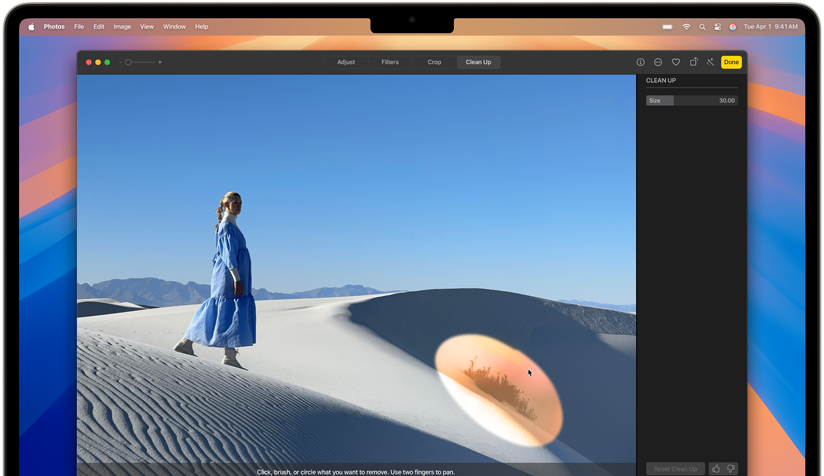
Clean Up

photos with a click.
Effortlessly edit product photos, lifestyle shots, and more with the Clean Up tool.◊

Apps on apps on apps. All in store.
Find thousands of trusted apps on the App Store for managing staff, inventory, planning, and more.

Automatic updates
 keep it all running smoothly.
With regular macOS updates at no extra cost, you always have the latest software and security features that keep Mac and your business going strong.
Exceptional performance. Powered by expert support.
Insight combines powerful Apple technologies with proven services expertise — delivering the tools, knowledge, and support to seamlessly integrate Apple products into your organization.
Great teams deserve great tools.
Let Insight handle your Apple ecosystem, so you can focus on what moves business forward.
Additional resources for Apple



1 Apple Intelligence is available with Siri and device language set to U.S. English. Some features and additional languages will be coming over the course of 2025.
◊ Display: Screen size is measured diagonally. Actual diagonal screen size of the 24-inch iMac is 23.5 inches. The displays on the MacBook Air with the M1 chip and the 13-inch MacBook Pro measure 13.3 inches diagonally. The displays on the 13-inch MacBook Air with M2 or M3, the 15-inch MacBook Air, and the 14-inch and 16-inch MacBook Pro have rounded corners at the top. When measured as a standard rectangular shape, the screens are 13.6 inches, 15.3 inches, 14.2 inches, and 16.2 inches diagonally (actual viewable area is less).
◊ Storage: 1GB = 1 billion bytes and 1TB = 1 trillion bytes; actual formatted capacity less.
◊ Battery: Battery life for Apple TV app movie playback. Battery life varies by use and configuration. See apple.com/batteries for more information.
◊ Touch ID: Magic Keyboard with Touch ID is included with iMac (M3) systems with 10‑core GPU and iMac (M1) systems with 8-core GPU. It is available as an option on iMac (M3) systems with 8‑core GPU and iMac (M1) systems with 7-core GPU.