
Windows 365 Link: Access your Cloud PC without a new laptop
Give your workforce secure access to their cloud desktop from virtually anywhere — without investing in new laptops, with Windows 365™ and Windows 365 Link.

There’s a simpler way to access your Cloud PC.
Windows 365 delivers a familiar Windows experience from the cloud. Windows 365 Link gives users a direct way to access it — no traditional PC required.
Meet Windows 365 Link.
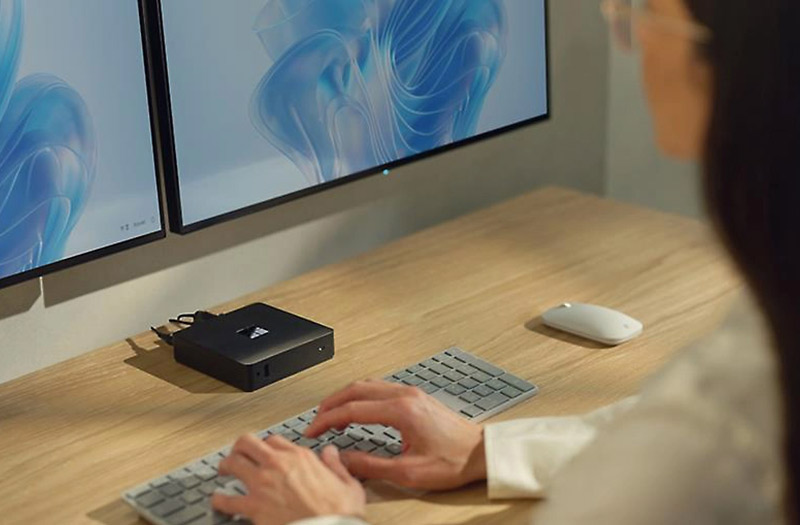
Think of Windows 365 Link as the front door to your Cloud PC. It’s a compact, purpose-built device for Windows 365 Cloud PCs, helping users connect and get to work fast. IT teams can easily manage the devices through Microsoft Intune®.
- Boots and connects in seconds
- No local apps or data
- Managed through Intune
- Built for shared spaces
| Traditional PCs | Windows 365 Link | |
|---|---|---|
| Cost | May require higher upfront device investment, along with lifecycle management and refresh planning. | Reduces the need for full laptop purchases when users only need Cloud PC access, with a Windows 365 subscription for predictable planning. |
| Security | Local data, apps, and admin rights may increase endpoint risk if not tightly managed. | Designed with no local data, apps, or admin users, with security baseline policies enabled by default. |
| Deployment | Often requires device imaging, configuration, and hands-on IT setup. | Designed for quick setup — connect to the internet, sign in, and access Windows 365 in minutes. |
| Management | May require ongoing endpoint management across hardware, OS, apps, and security. | Managed through Microsoft Intune, with familiar actions like restart and remote wipe. |
| User experience | Experience can vary by device age, hardware configuration, and local performance. | Connects users directly to their Cloud PC and supports consistent, high-fidelity experiences, including Microsoft Teams®. |
| Workspace fit | Better suited for users who need full local device flexibility. | Built for hot desking, call centers, and specialized shared workspaces. |
Windows 365
Link vs. PCs
For many desk-based roles, the question isn’t which laptop to buy — it’s whether you need one at all. Compare traditional PCs to Windows 365 Link below to see what’s right for you.
Get a Windows 365 Link estimateTry it for free
Where does Windows 365 Link fit best?
Windows 365 Link is designed for desk-based and shared environments where users need secure Cloud PC access without relying on a traditional laptop.
Hot desking
Help employees pick up where they left off from shared workspaces.
Call centers
Give frontline teams quick, secure access to the tools they need.
Specialized spaces
Support labs, training centers, reception areas, and retail environments.
Already using Windows 365?
Standardize secure Cloud PC access across fixed, shared, and frontline environments with dedicated endpoint hardware.
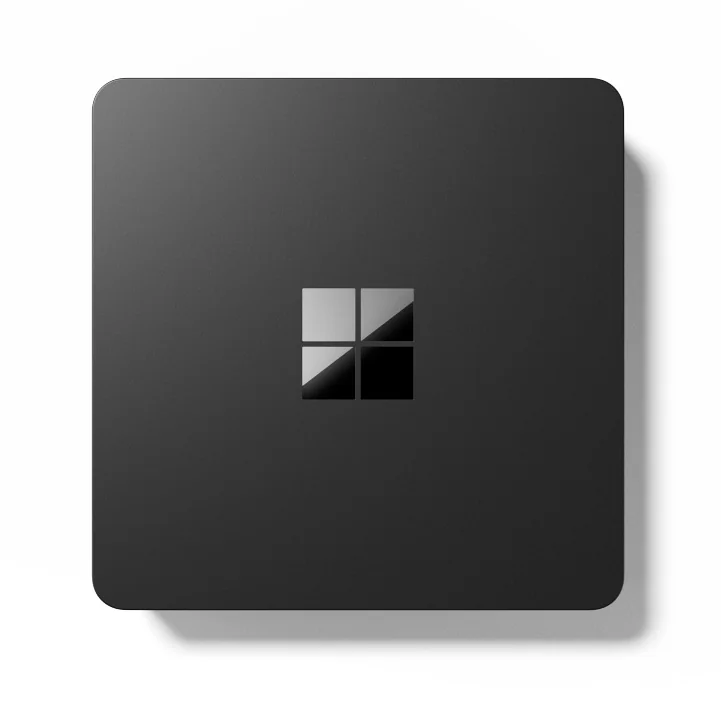
Microsoft Windows 365 Link
Mini PC
Intel N-series N250
8 GB RAM
64 GB eMMC
Plan your path to Windows 365.
Evaluating Windows 365 as part of a broader VDI or desktop virtualization strategy? Insight can help assess fit, readiness, and next steps through a focused planning engagement.